
Capture your Mac’s HTTP and HTTPS traffic.Let your AI agent debug and investigate your network traffic via MCP.
Free version with limits, no account needed. macOS 14.6 or later. Version 1.1.0.
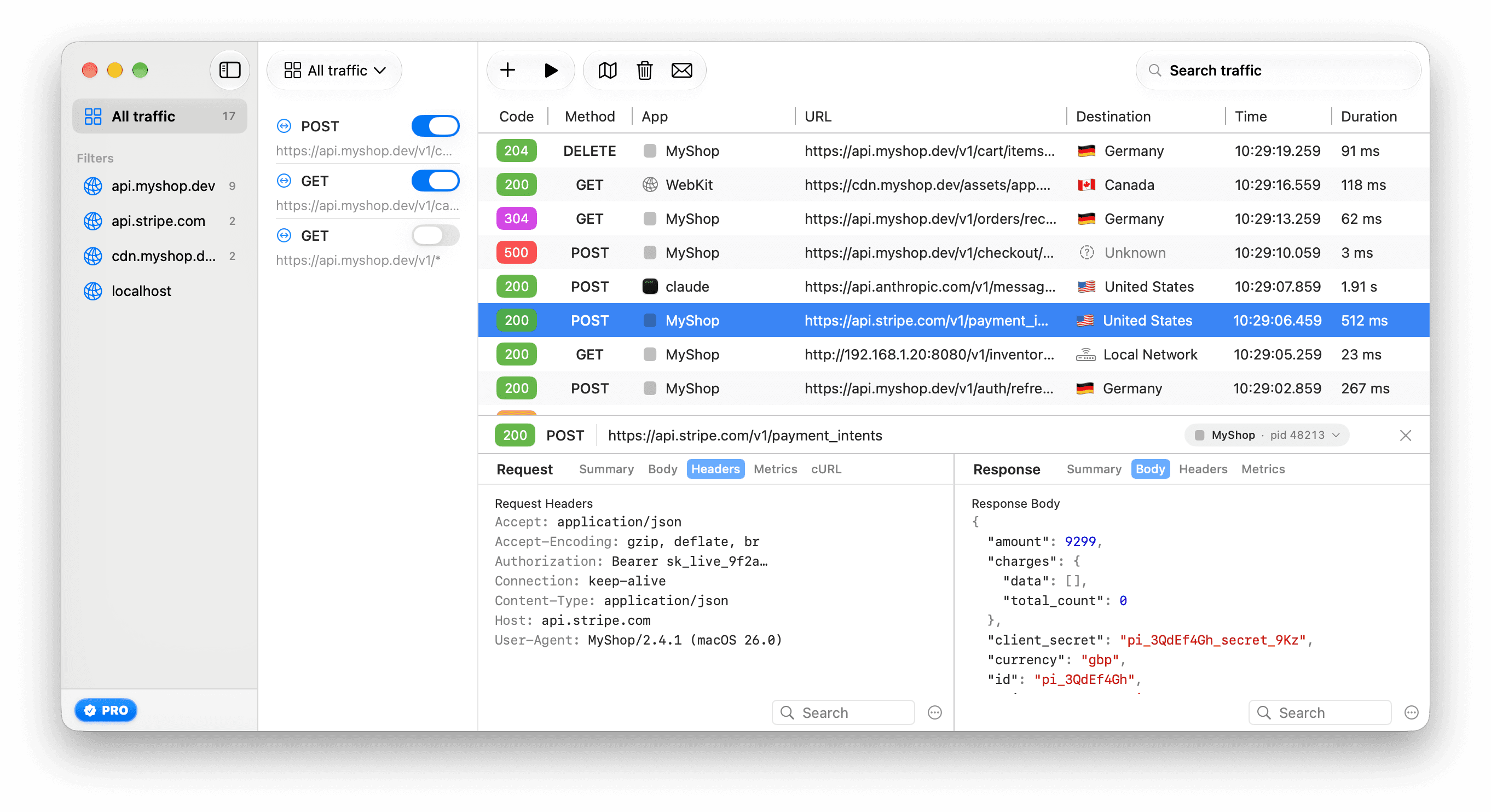
Capture without editing proxy settings
A network extension sets the system proxy while you capture and removes it when you stop. Command-line tools need a few environment lines from Settings ▸ Capture.
Make an endpoint return the error you need
Override a response, add headers, or answer from a file on disk. An override with a body, or a file, answers in place of the server, so it works with the server down.
Your agent reads requests and writes rules
33 MCP tools, all in the free version. By default, credential-shaped values are redacted and changes wait for your approval.
Ask your AI agent about your app’s traffic
Connect Claude Code, Claude Desktop or Cursor to ReqRes over MCP. Your agent reads the requests ReqRes captured and can create rules after you approve them.
Choose a prompt
Give me an empty cart so I can build the empty state.
list_sessions(app: "MyShop", url_contains: "/v1/cart")
mock_from_session(uid: "9F2A61C0-…", response_body: '{"items":[]}')
“An AI agent wants to change what your apps receive”
Approval panel in ReqRes · “Nothing happens until you answer.” · Expires in 45s
Deny · Allow for This Session · Allow. You clicked Allow.
GET /v1/cart now returns an empty items array. Reload the cart in MyShop to see the empty state.
Connect Claude Code
claude mcp add --scope user reqres "/Move ReqRes to Applications first. For Claude Desktop, Cursor or Windsurf, copy the config entry from Settings ▸ MCP. Agents connect from this Mac only, and only while ReqRes is running.
Approve changes in ReqRes
Read tools need no approval. By default, a change opens an approval panel in ReqRes with Allow, Allow for This Session and Deny. If you do not answer within 45 seconds, nothing changes.
Credentials reach the agent redacted
ReqRes redacts credential-shaped headers, query values and body fields. To exempt a host, list it under “Send unmasked” in Settings ▸ MCP ▸ Redaction.
Review what the agent changed
Settings ▸ MCP ▸ Activity lists the changes agents asked for, newest first, with the result of each. You can undo rule, host filter and exclusion changes there.
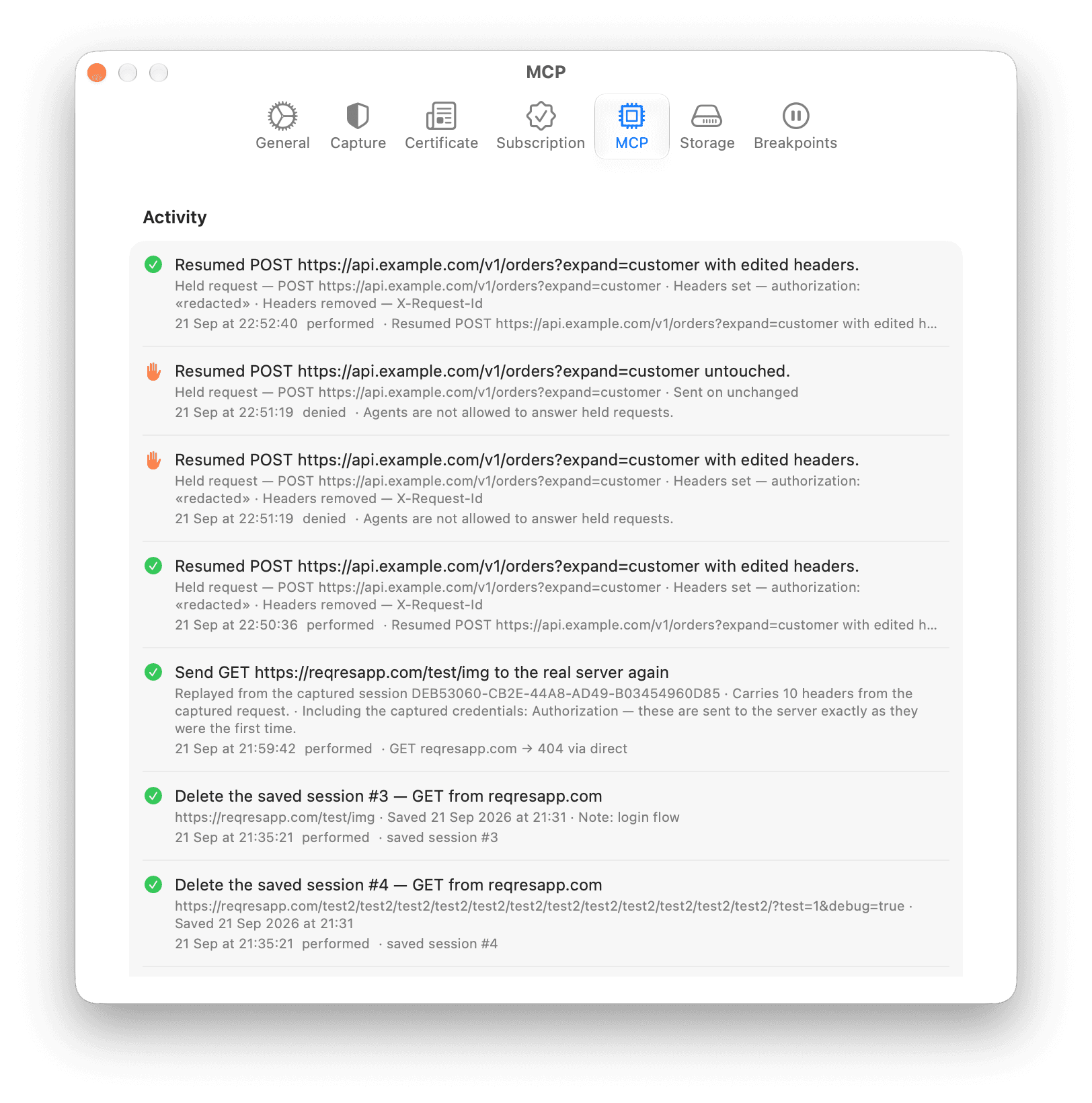
All 33 tools are in the free version, and its limits count what your agent creates: 2 host filters and 1 rule.
Show all 33 MCP toolsHide the 33 MCP tools
Read tools
Read tools run without approval.
- capture_status
- list_sessions
- get_session
- list_messages
- wait_for_message
- query_session_body
- wait_for_session
- wait_for_sessions
- diff_sessions
- list_destinations
- list_hosts
- list_rules
- test_pattern
- diagnose_setup
- capture_environment
- list_saved_sessions
- get_saved_session
- list_paused_requests
Tools that make changes
Each needs your approval by default, except answer_paused_request.
- add_host
- remove_host
- create_rule
- update_rule
- delete_rule
- mock_from_session
- exclude_host
- start_capture
- stop_capture
- clear_sessions
- export_sessions
- replay_request
- save_session
- delete_saved_session
- answer_paused_request
replay_request and exclude_host need approval every time, even after Allow for This Session or with “Ask before an agent changes rules, hosts or capture” turned off. answer_paused_request works only while “Let agents answer held requests” is on in Settings ▸ Breakpoints.
Filter traffic by app, process or country
The App column names the app that opened each connection, or shows Unknown if that app cannot be identified. Search filters the list by app, process id, country, host, method, status, path, protocol, outcome or gRPC status.
Filters of the same kind widen the list. Filters of different kinds narrow it.
2 of 17 requests
| Code | Method | App | HostURL | Destination |
|---|---|---|---|---|
| 200 | POST | claudepid 9767 | https://api.anthropic.com/v1/messages | United States |
| 200 | POST | claudepid 9437 | https://api.anthropic.com/v1/messages | United States |
- Type filters in the search field
- Press ⌘F, type a filter such as
app:claudeand press Return. - Filter from a request
- Right-click a request to show only its app, its process or its destination.
- Follow one process by its pid
- The two
clauderows are separate Claude Code CLI processes, captured with the environment lines from Settings ▸ Capture.pid:9437shows only one of them.
Read HTTP/2, gRPC, WebSocket and streaming traffic
ReqRes adds an RPC tab to gRPC calls, a Messages tab to WebSockets and an Events tab to streams. A request is listed while it is still open, and stays listed if it fails.
Choose what to inspect
gRPC · protobuf · myshop.catalog.v1.CatalogService / ListProducts
Status INTERNAL (13) · from the response trailers
1 request message · 2 response messages
Trailers: x-envoy-upstream-service-time: 12
Request 1 · 10 B
Response 1 · 41 B
Response 2 · 39 B
Native gRPC needs Settings ▸ Capture ▸ “Capture HTTP/2 (beta)”, which is off by default, and a client such as grpcurl also needs the environment lines from that pane. gRPC-Web and Connect need no switch.
HTTP/3 is not captured, because QUIC never passes through ReqRes. Help ▸ ReqRes Help ▸ Supported Protocols has the full list.
See which countries your requests go to
Window ▸ Destinations puts your captured requests on a world map, one dot per country. Requests to this Mac or your local network are listed instead of plotted.
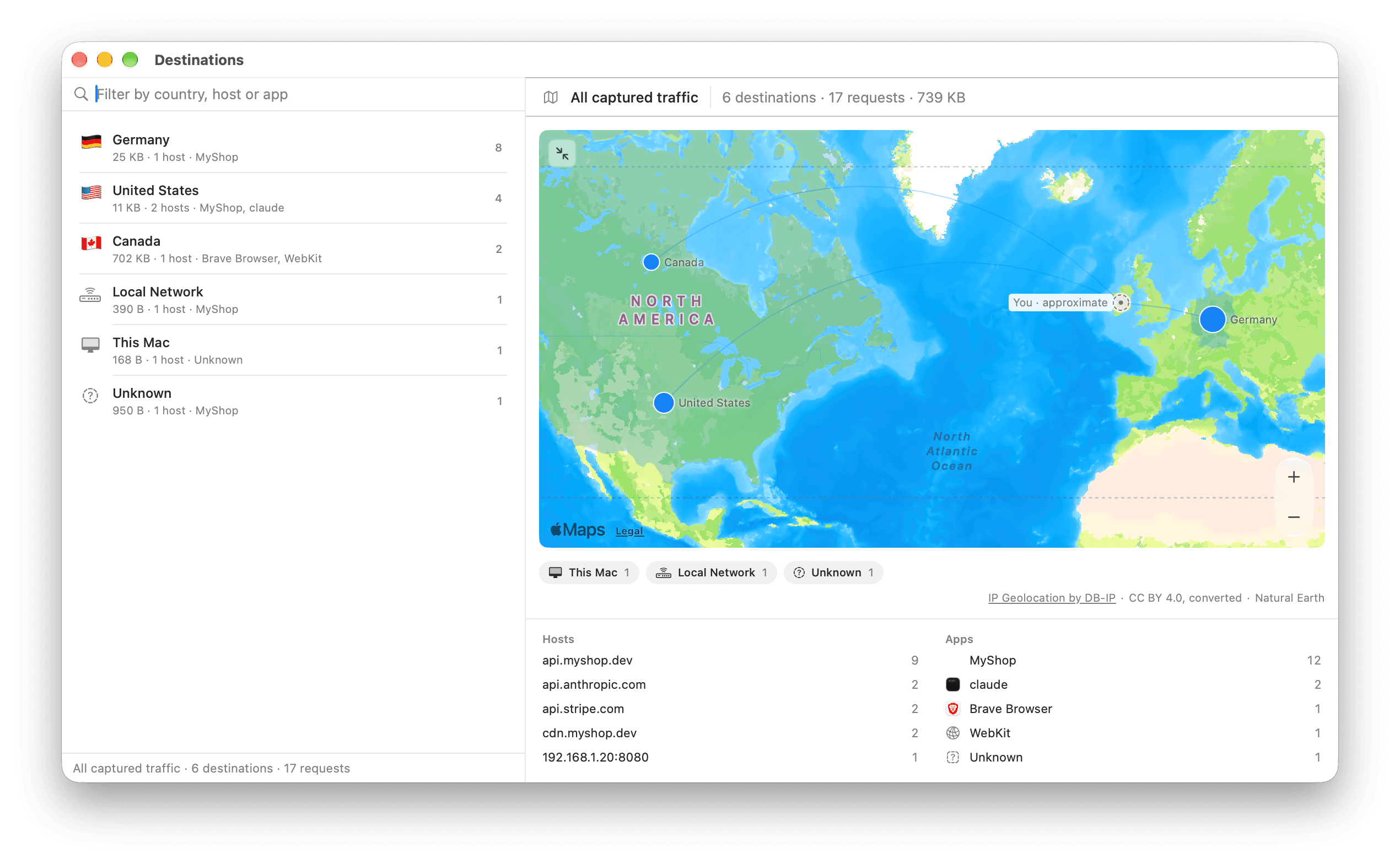
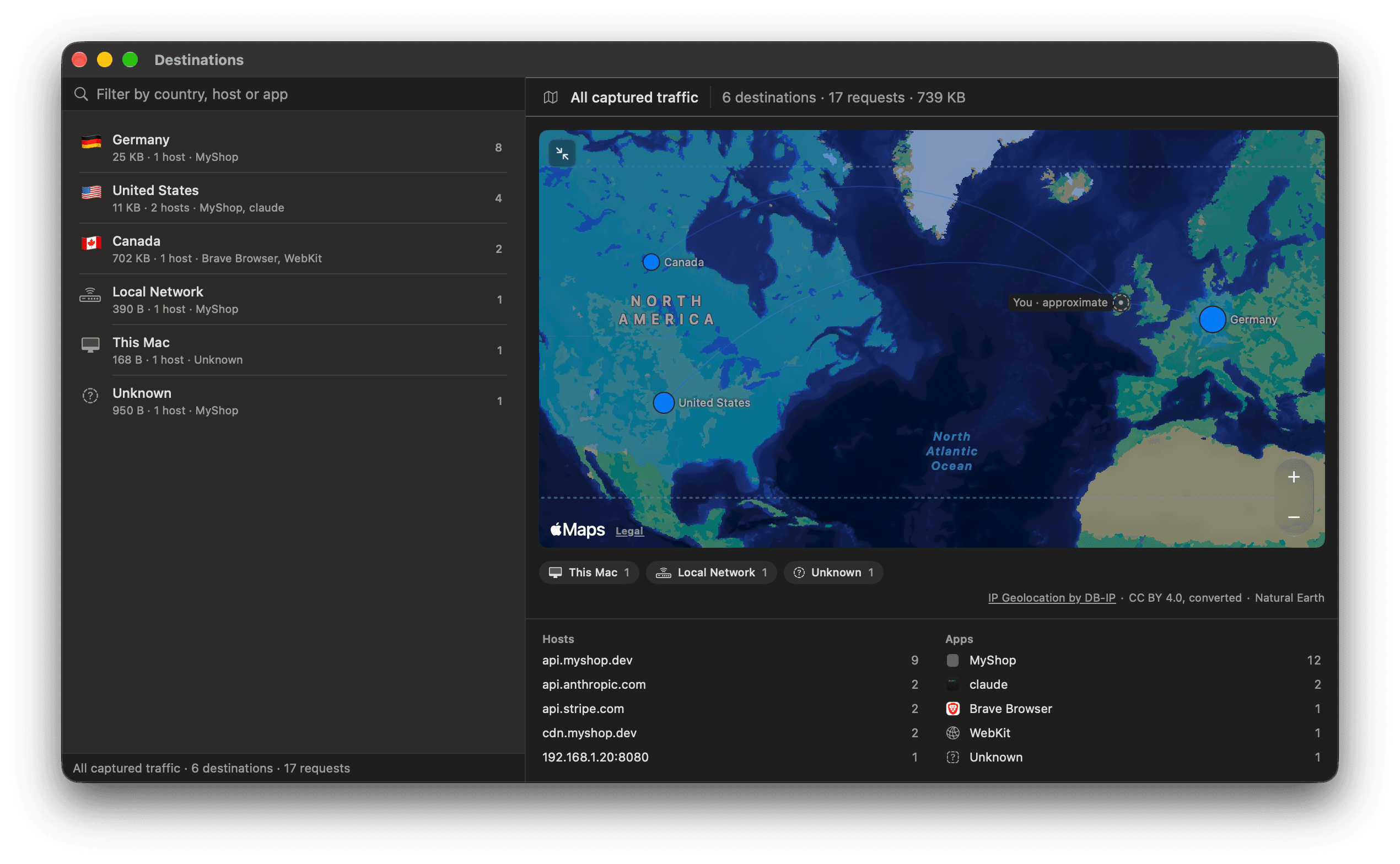
- Countries are looked up on your Mac
- An offline country table inside the app maps each server address. A CDN shows the country of the edge server that answered.
- Apple Maps receives only the map area
- Apple receives the area you view, never the addresses. The You marker comes from your time zone, not Location Services.
- Filter the traffic list by country
- Type
country:in search. Your agent gets the same data fromlist_destinations.
Hold a request before it reaches the server
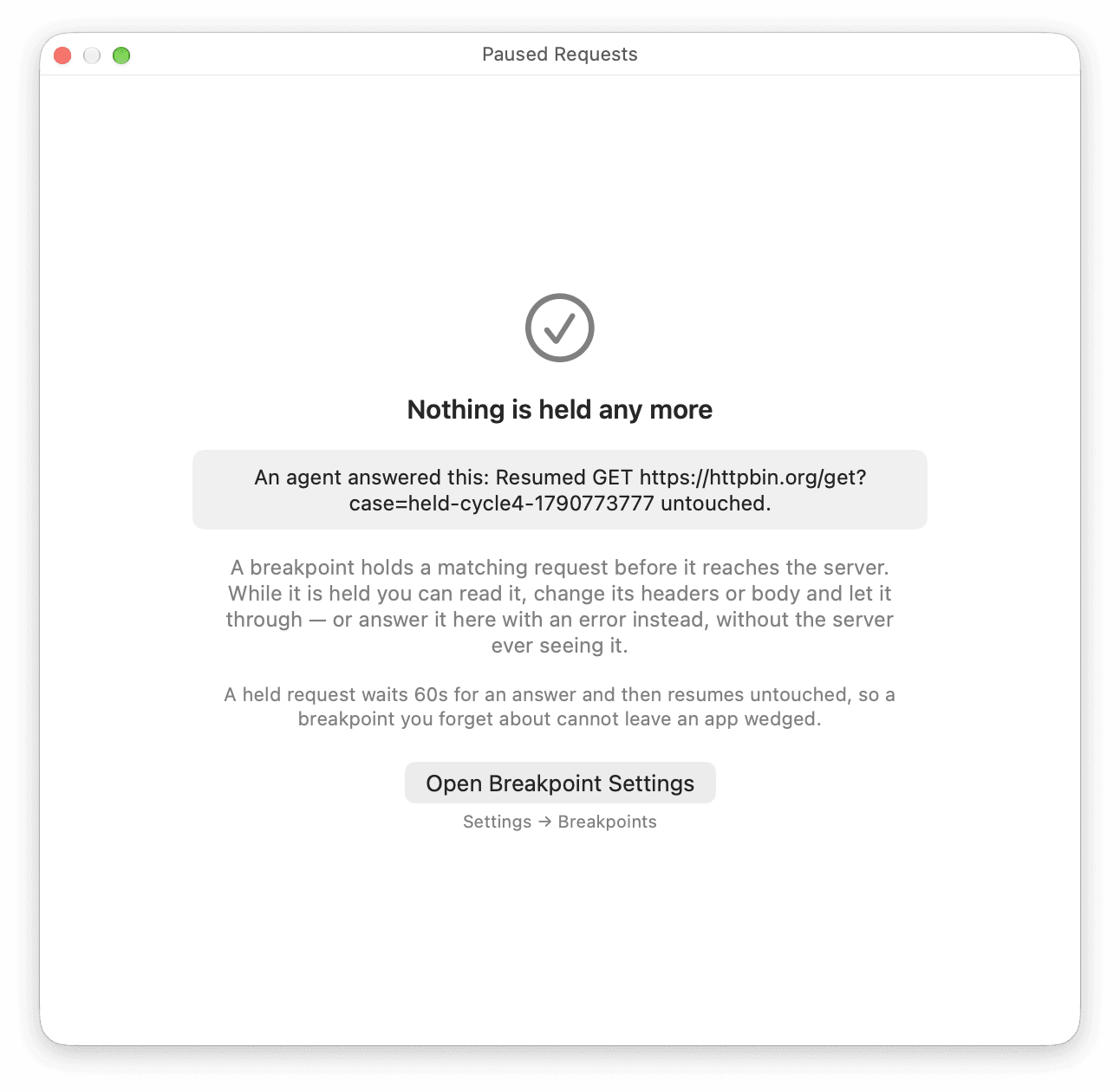
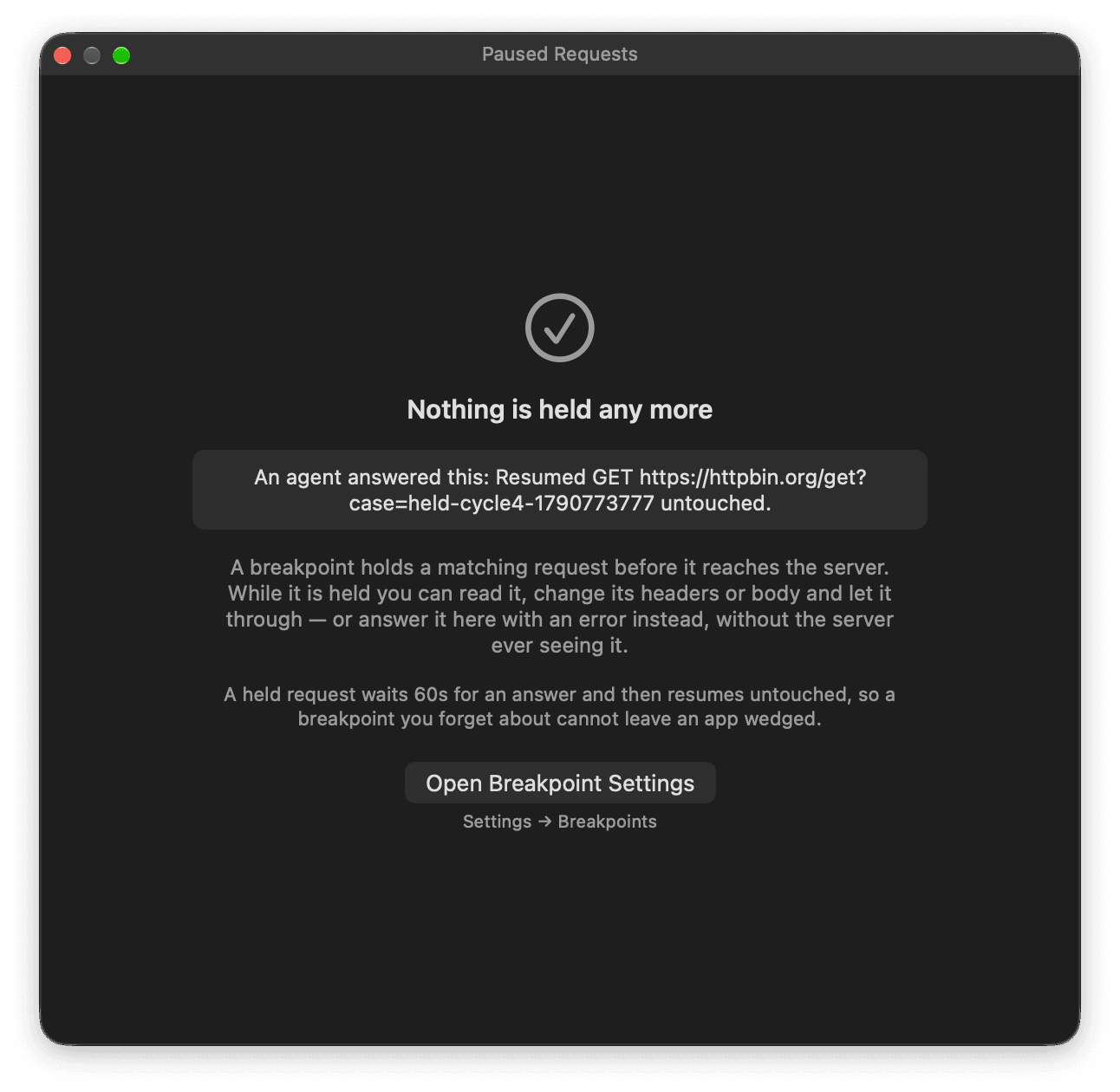
A breakpoint holds a matching request. Send it as it is, edit its headers or replace its body first, or abort it with an error status. If the 60-second timer runs out, it is resumed untouched.
- Let your agent answer held requests
Turn on “Let agents answer held requests” in Settings ▸ Breakpoints, and a connected agent can resume, edit or abort a held request, the same three choices you have in the panel. The switch is off by default.
No approval panel opens for an answer, because an approval can take up to 45 of the 60 seconds a held request has. Each answer is written to Settings ▸ MCP ▸ Activity. Agents can never create a breakpoint.
- Match by host, path and method
- Use
*.example.comfor subdomains. Held requests queue, each with its own countdown. - Excluded hosts are never held
- Breakpoints hold HTTPS and plain
http://alike. A host on the exclusion list passes through. To change a response, use a rule.
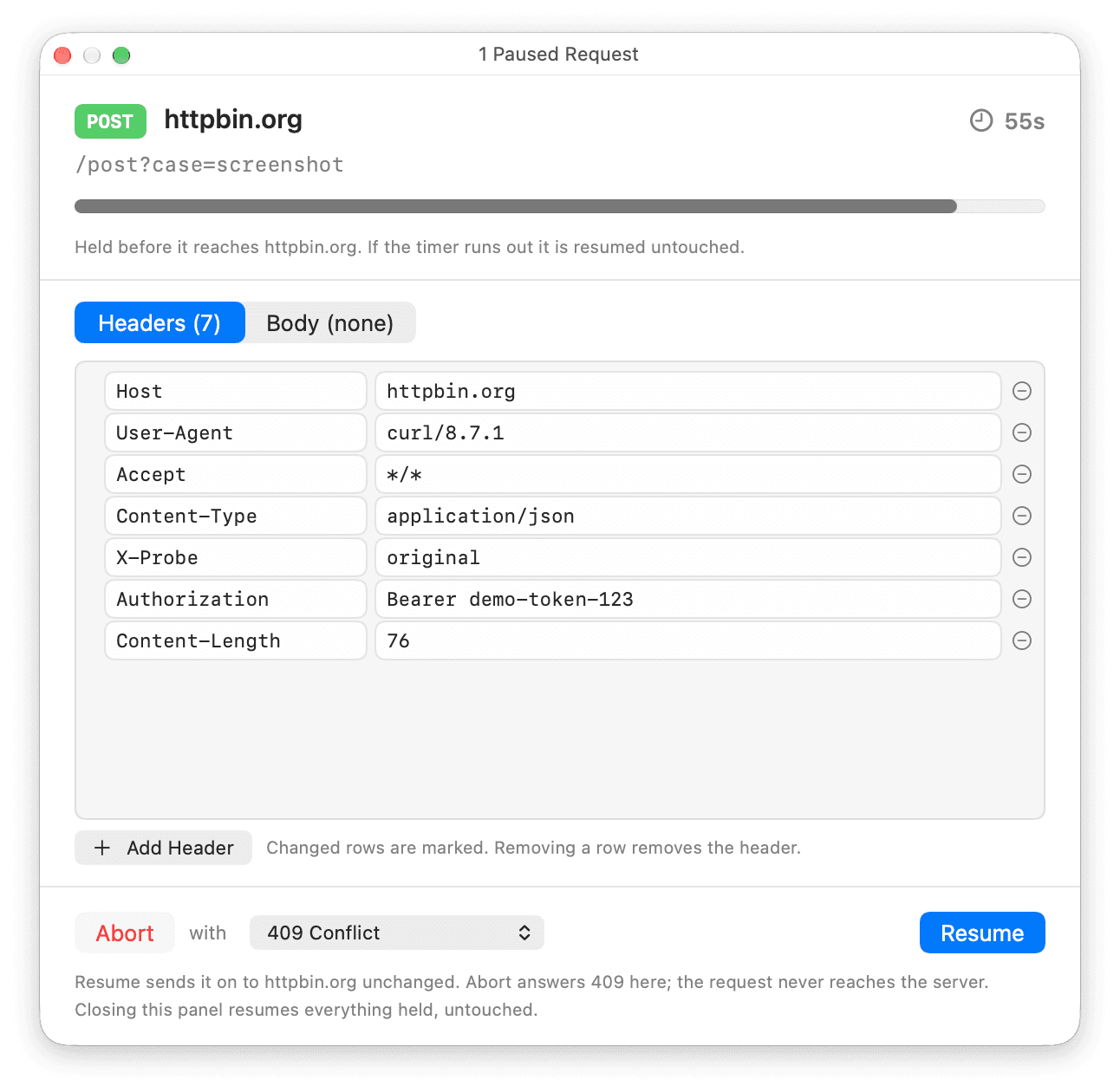
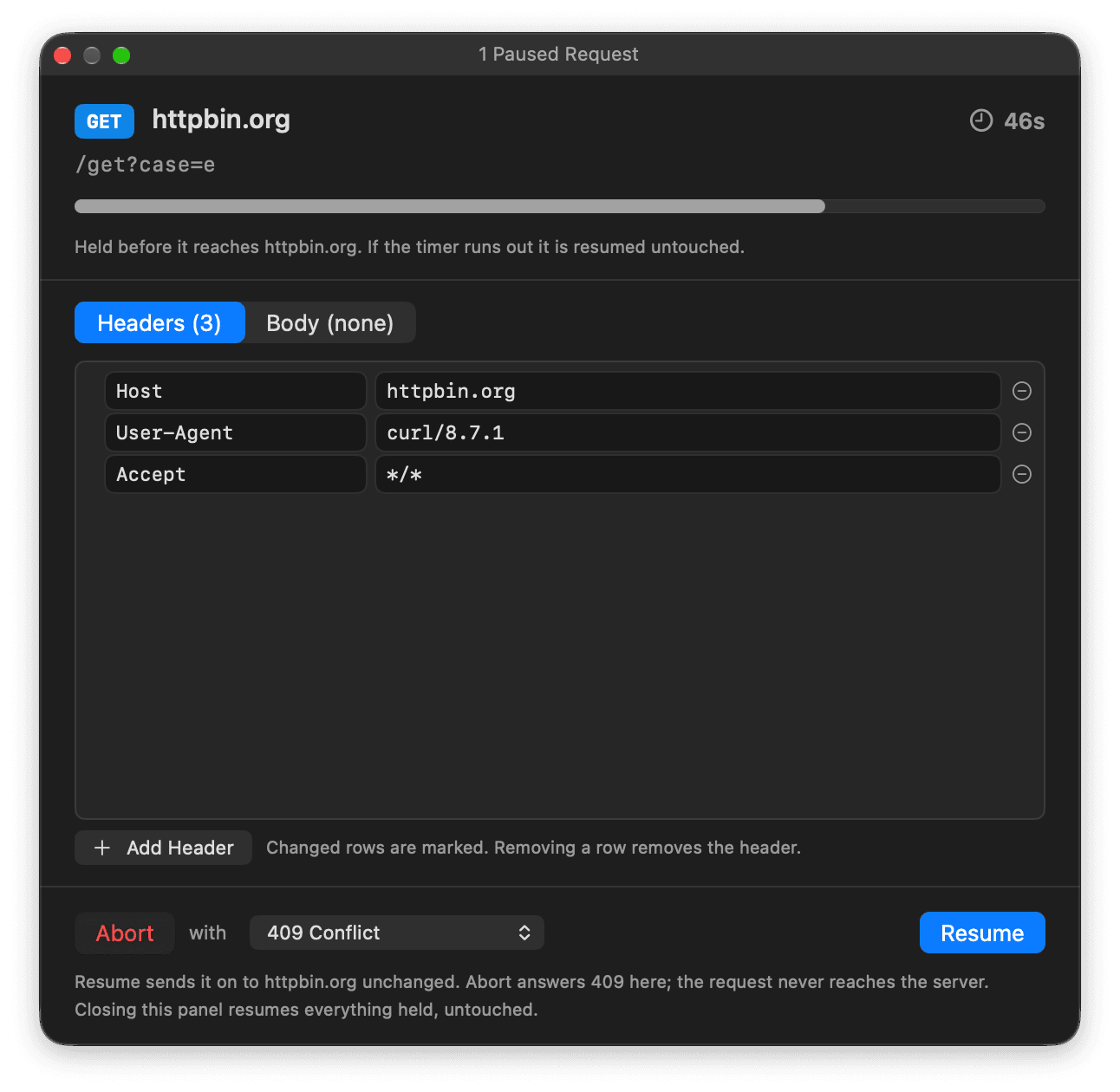
Also in the free version
Capture
- Capture command-line tools
- Settings ▸ Capture gives you the certificate file and shell lines for curl, git, the Claude Code CLI, node, Go and Docker.
- Change the proxy port
- Settings ▸ Capture ▸ Proxy port moves the proxy off 8034. If another program holds the port, ReqRes names it when it can tell and offers the next free one.
- Keep SSL-pinned apps working
- An app that refuses ReqRes’s certificate is remembered and passed through, and its rows say so. Forget it in Settings ▸ Capture ▸ SSL-pinned apps.
- Exclude a host from capture
- Hosts listed in Settings ▸ Capture pass through without being decrypted or recorded.
- Find out why traffic is missing
- Capture ▸ Diagnose Setup… runs its checks in order and names the first one that fails.
Requests
- Save a request for later
- Right-click and choose Save session. Reopen it from Window ▸ Saved Sessions (⌘⇧S).
- Test a rule before you save it
- Rules match by wildcard or regex. Test the Pattern tries a URL against yours.
- Read compressed bodies
- Bodies sent with gzip, deflate, brotli or zstd are shown decoded.
- Export, replay and diff with your agent
- Your agent can export a redacted HAR file, replay a GET request and diff two captured requests. The app window has no buttons for these.
Around the app
- Control capture from the menu bar
- Start or stop capture and resume held requests without opening the window. The menu never shows a URL.
- Resize the traffic list’s columns
- Drag a header divider to resize Method, App, Destination, Time or Duration. Right-click the header and choose Reset Column Widths to put them back.
- Get help inside the app
- Help ▸ ReqRes Help (⌘?) has 11 topics, including setup, the certificate, protocols and agents.
Read the app’s source on GitHub
A debugging proxy sees your traffic, credentials included. The app’s source is on GitHub under FSL-1.1-ALv2. The capture engine ships as a compiled framework.
- Sandboxed and notarized. Updates install only with ReqRes’s signature.
- The MCP bridge takes connections from this Mac only. “Enable the AI bridge” in Settings ▸ MCP turns it off.
- The certificate is created on your Mac and differs on every Mac. Its private key stays in ReqRes’s own container.
- Crash reports never include captured traffic. “Share crash and performance reports” in Settings ▸ General ▸ Privacy turns reporting off.
Install ReqRes and start capturing
Move ReqRes to Applications and click the capture button. Approve the network extension and its VPN configuration once, then trust the certificate. To connect your agent, open Settings ▸ MCP.