
AI agents
New in 1.1
Review and undo agent changes
On this page
ReqRes logs every change an agent asks for that reaches approval, with its outcome, whether you approved it or not. From the log, undo a rule, host filter or exclusion change, or export the log to a file.
A call refused before approval, such as one with a missing argument or an unknown id, is not logged. Neither is exclude_host for a host that is already excluded, because it changes nothing.
Open the activity log
Open Settings ▸ MCP and scroll to Activity. The newest entry is at the top.
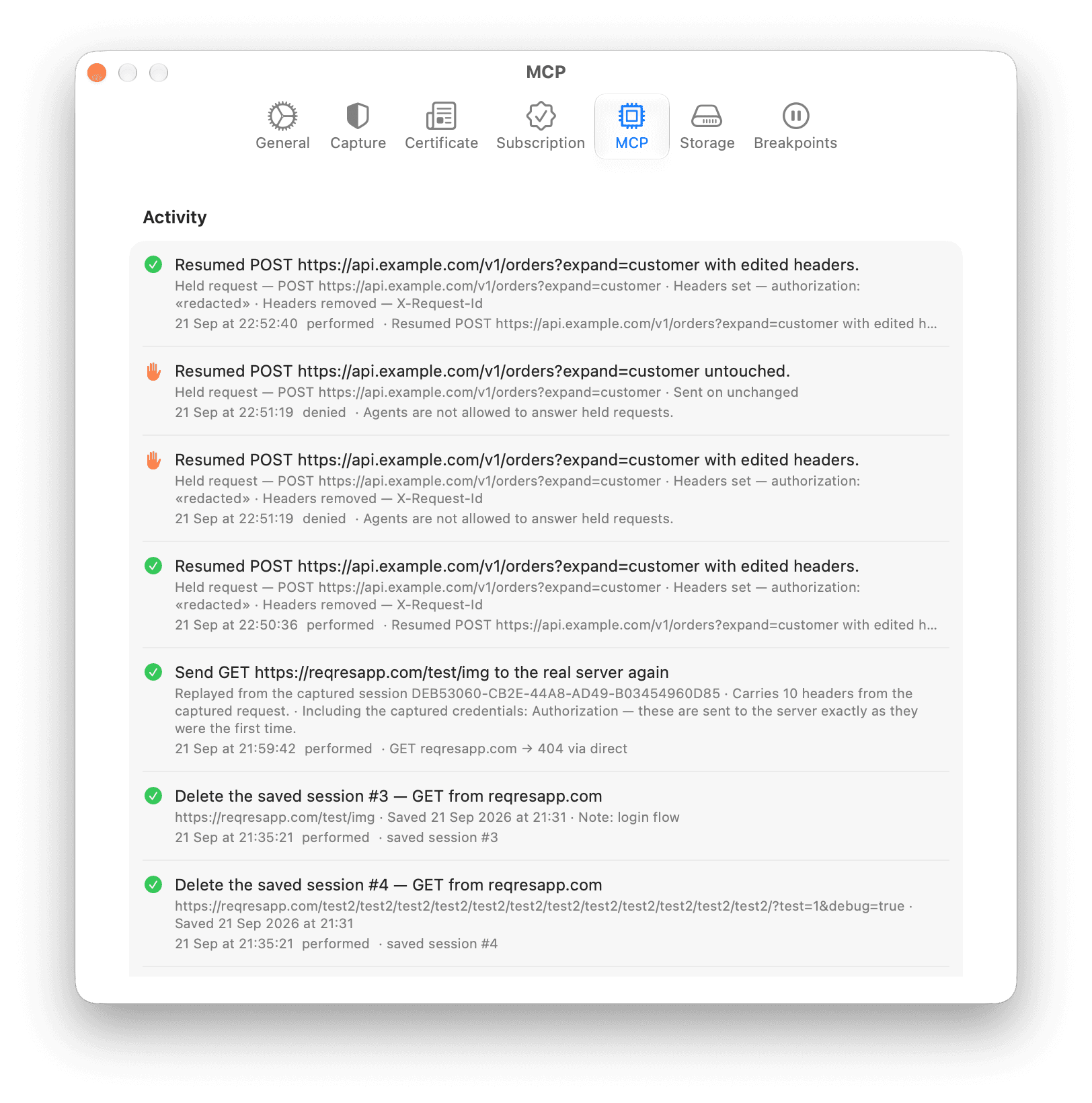
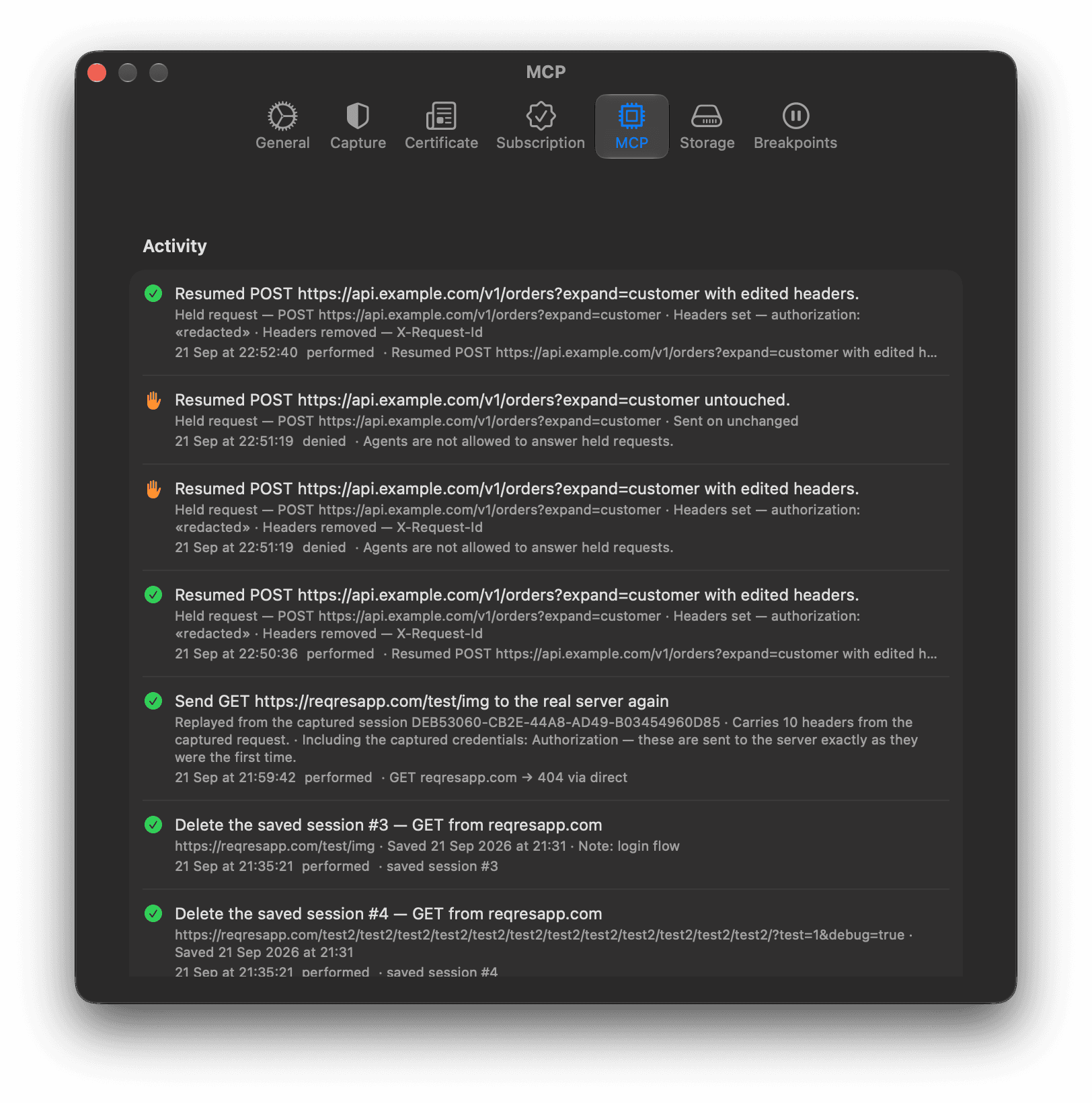
- The pane shows the newest 50 entries.
- ReqRes keeps up to 200 entries while it runs, and saves the newest 100 for the next launch.
- With nothing logged yet, the section reads "No agent activity yet."
Read an entry
Each entry has:
- an icon for the outcome;
- a summary of the change, such as the request an agent resumed;
- the details, such as headers set or removed;
- the date and time, the outcome, and the result or the reason.
Credential-shaped values in the log are redacted, for hosts you send unmasked too. That covers an Authorization header, a token in a URL query or in a rule's path, and the URL in the result of a held-request answer.
| Outcome | Meaning |
|---|---|
| "performed" | ReqRes made the change. |
| "denied" | You clicked Deny, the MCP server was turned off while the change waited, or agents may not answer held requests. |
| "timed_out" | Nobody answered the approval panel within 45 seconds. Nothing changed. |
| "failed" | ReqRes tried to make the change and could not. The reason follows. |
| "by you" | You undid an earlier change from this log. |
Two notes can follow the outcome:
- "answered after the agent stopped waiting": you answered after the 45-second limit. The change still stands, but the agent may have asked again.
- "undone": you undid this change.
A held-request answer refused because Let agents answer held requests is off reads "Agents are not allowed to answer held requests."
Undo a change
Click Undo next to an entry. Hold the pointer over the button to see what it will do, such as "Record api.example.com again — take it off the exclusion list (connections already open stay as they are)". ReqRes makes the change without asking again, reports what it did, and adds an entry marked "by you".
| Agent change | What Undo does |
|---|---|
update_rule | Puts the rule back as it was. |
delete_rule | Recreates the rule, with a new id. |
remove_host | Adds the host filter back. Its rules are not restored. |
create_rule, mock_from_session | Deletes the rule. A host filter that mock_from_session added stays. |
add_host | Removes the host filter, but only while it has no rules. While it has any, yours or an agent's, Undo refuses and says to right-click the filter in the sidebar and choose Delete host..., which deletes the filter with its rules. |
exclude_host | Takes that host off the exclusion list, so ReqRes records it again. Connections already open stay as they are, and other changes to the list stay. |
- Undo appears only on changes ReqRes made, and disappears once used.
- Nothing else can be undone: starting or stopping capture, clearing requests, exports, saved sessions, replays and answers to held requests.
- Agents cannot undo. Undo exists only in the ReqRes window.
- If an undo fails or refuses, ReqRes shows "Could not undo:" with the reason, and keeps the Undo button.
- If the rule or host filter an undo would delete is already gone, the undo has nothing left to do, and ReqRes marks the entry undone.
Export or clear the log
To save the log to a file:
- Click Export… below the entries.
- Choose a folder. The file name defaults to
reqres-agent-activity.txt. - To get JSON instead of plain text, change the extension to
.json. - Click Save.
The export holds every entry ReqRes keeps, not only the 50 on screen. Values are redacted with the same rules agents get. See Control what agents see.
Clear Log empties the log at once. It does not ask first, and the entries cannot be restored.
Files agents exported
When an agent has exported HAR files with export_sessions, Activity shows a row named "Saved traffic" with the count of files. Click Show in Finder to show the MCP Exports folder in Finder.
The folder is inside ReqRes's container, which is hard to reach by browsing in Finder. The agent receives the full path of each file it writes. See MCP tools.